AI Living Room Design
AI living room design — restyle and replan from one photo
The sofa is where the previous tenant left it, the TV fights the window, and everyone who visits sits in the same awkward spot. Upload the room and see both a new look and a better layout before you shift anything heavy.
★ 1,000+ rooms replanned · HD, structure intact · from $4.90 one-time
1 render = 1 credit · From $4.90 one-time
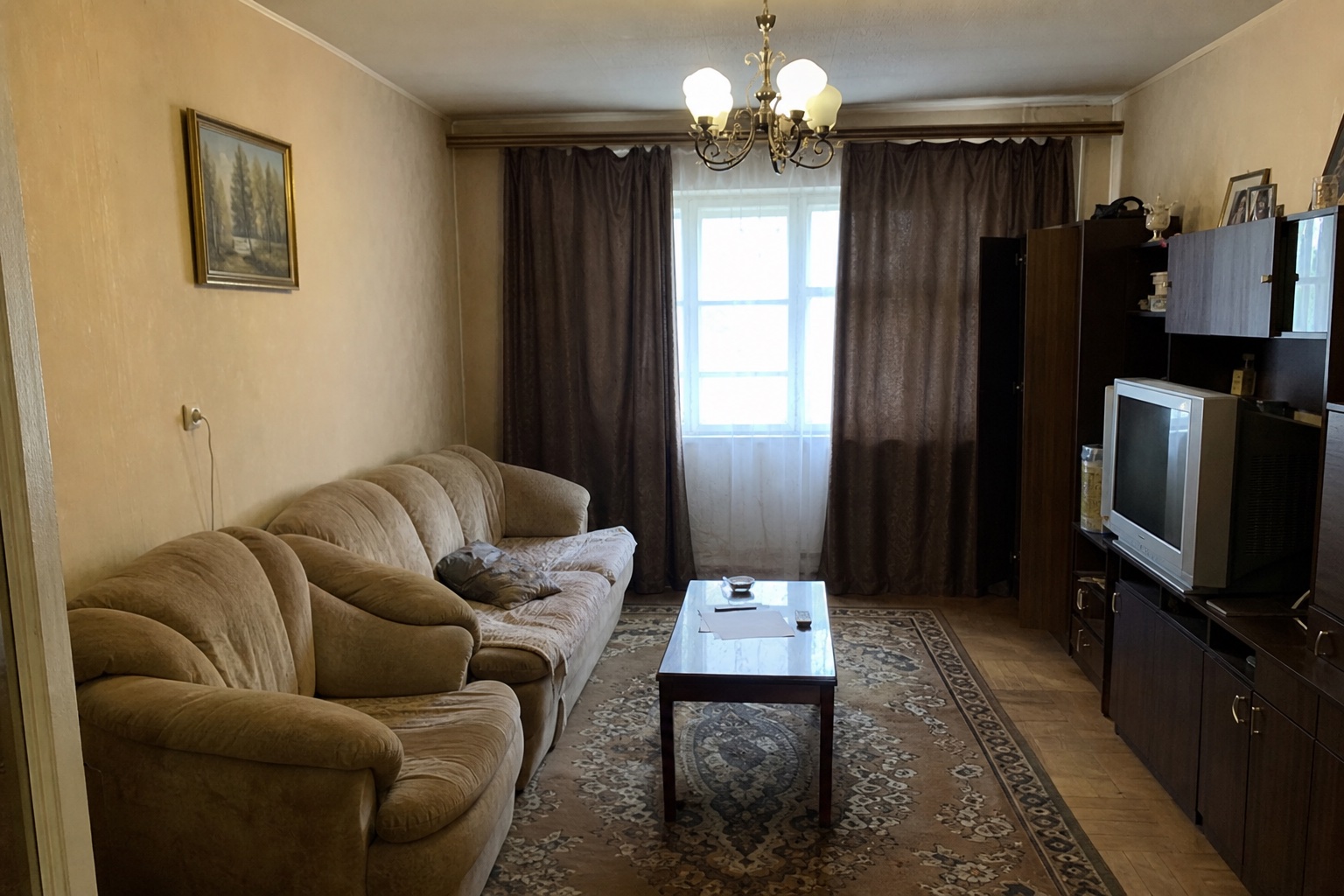
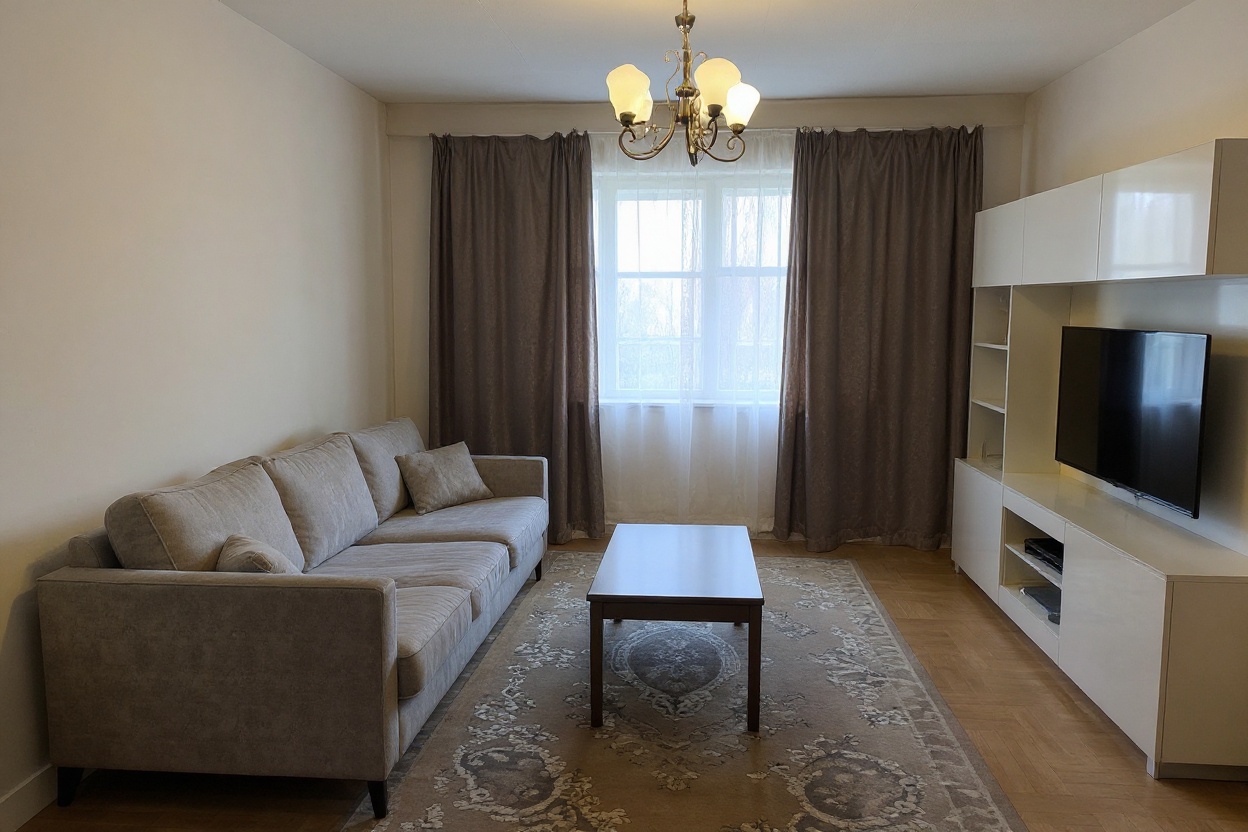
Redesign your living room from a photo
- Listing-ready HD
- Walls and windows stay put
- Cancel anytime
No photo to hand? This is the kind of shot that works well.
How AI living room design works here
Photograph the living room
From the doorway or a corner, wide enough to catch the seating wall and the window. One phone shot is enough.
Say what the room has to do
"Seating for six", "open up the walkway", "warmer and less grey". This doubles as a living room layout planner — describe the use, not the furniture.
See it restyled and replanned
About 60 seconds later the same room comes back with new furniture, layout, colour and lighting. Walls, windows and proportions stay exactly where your photo put them.
Who uses AI living room design
Homeowner with an awkward room
Long, narrow, one radiator in the wrong place. Render two seating arrangements against your real wall lengths before hiring a van.
Renter who inherited the furniture
You cannot replace the sofa, but you can move it, relight the room and change the textiles. See that version first — it is usually the cheapest big win.
Agent shooting a lived-in home
A cluttered living room is the photo buyers judge fastest. A styled render beside the honest one shows the room's ceiling without staging a thing.
A 3D living room layout planner vs. Spacevo
Rebuild the room first — walls, dimensions, then drag every sofa into place.
The output is a model, so you still cannot tell how the light lands at 6pm.
Ten minutes per arrangement, and only one gets built.
Upload one photo. The room is already measured — it is the one you are sitting in.
The output is a photo of your living room, with your window and your daylight.
About 60 seconds each — run three arrangements and compare them.
AI living room design FAQ
Can AI design my living room?
Yes. Upload one photo and the AI returns the same living room with new furniture, layout, colour and lighting in about 60 seconds. Walls, windows and proportions come straight from your photo.
Is this a living room layout planner too?
Yes. Describe what the room has to do — "seating for six", "clear the walkway to the balcony" — and the render replans furniture placement and circulation, not just the finishes. There is no floor plan to draw.
Is the AI living room design free?
No — Spacevo has no free tier. Rendering needs an account and either a plan or the $4.90 one-time Room Plan, so you can test it on a single room before subscribing. Every paid render is HD, watermark-free and licensed for commercial use.
Will my TV wall, window or radiator move?
No. The room's structure is held — walls, windows and openings stay put. Furniture, layout, textiles, colour and lighting are what change.
Can it handle an open-plan living and dining space?
Yes. Photograph as much of the run as you can and say how it should split — "dining by the window, seating around the fireplace" — and it zones the space rather than treating it as one undifferentiated room.
How many versions can I try?
As many as your plan allows. Comparing two or three directions is the point — most people find the answer on the second run.
Try a new living room layout before you move the sofa
Create an account, pick a plan, and render in about 20 seconds.
Redesign my living room