AI Furniture Placement
AI furniture placement — see where the furniture should go
You own the furniture already. The problem is that the sofa blocks the walkway, the desk faces a wall, and nobody wants to test four arrangements by carrying everything twice. Photograph the room and let the AI test them instead.
★ 1,000+ rooms replanned · HD, structure intact · from $4.90 one-time
1 render = 2 credits · From $4.90 one-time
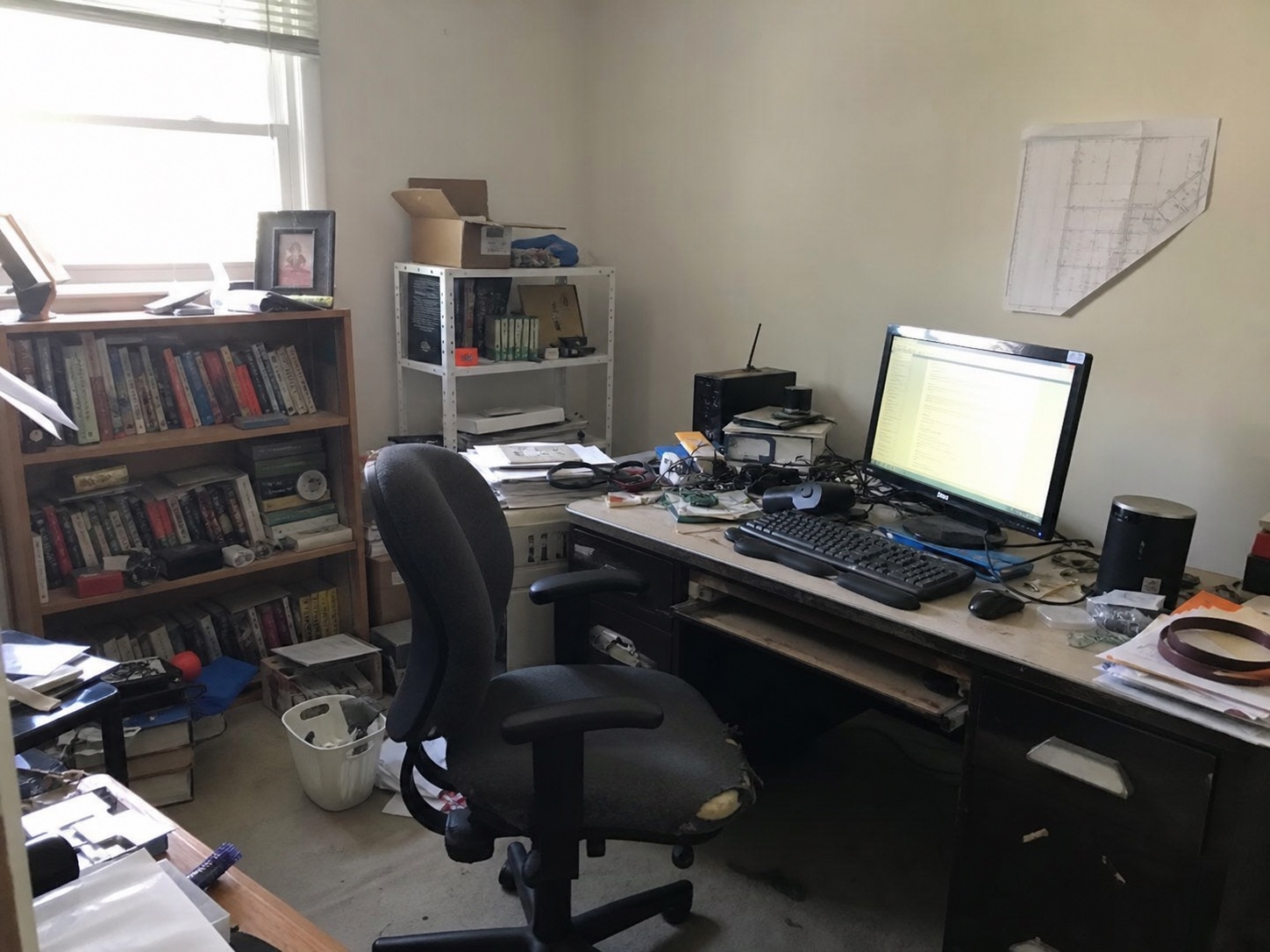
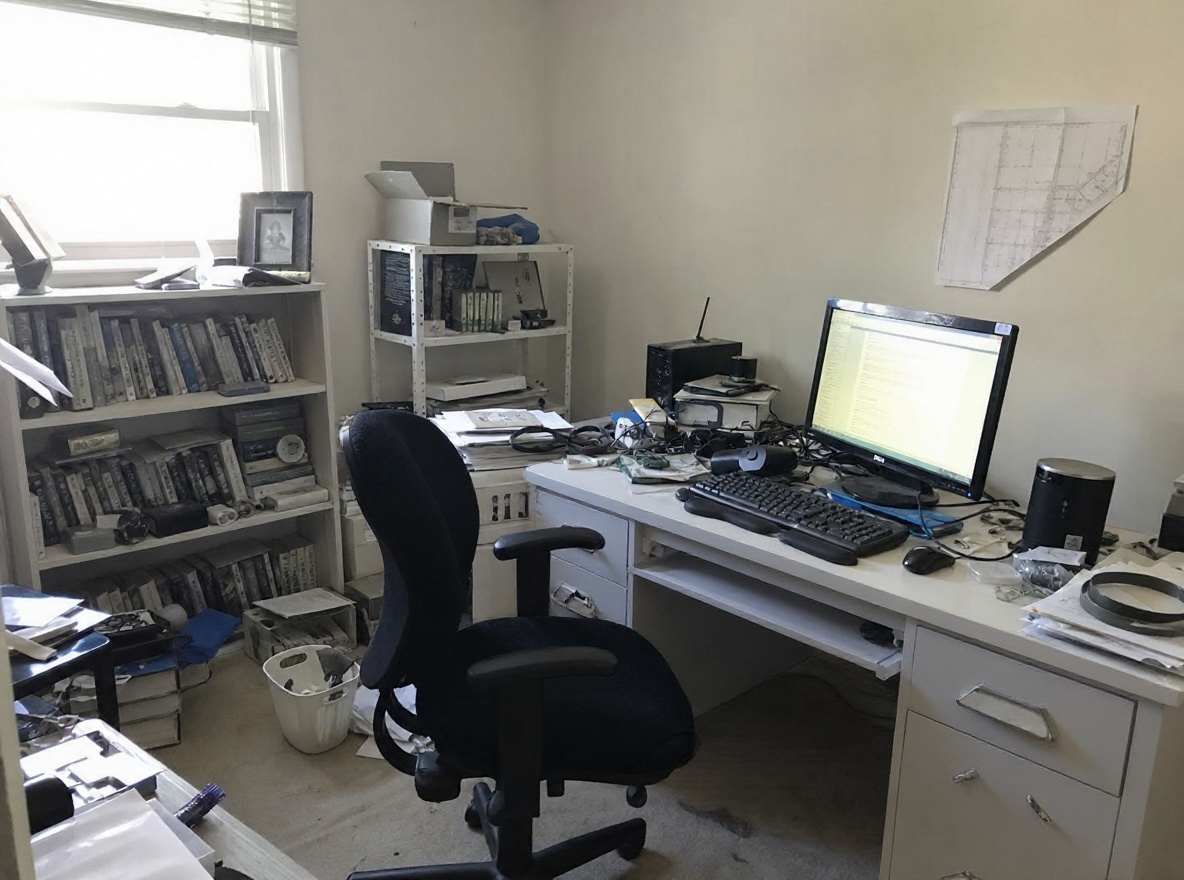
Reposition your furniture from a photo
- Listing-ready HD
- Walls and windows stay put
- Cancel anytime
No photo to hand? This is the kind of shot that works well.
How AI furniture placement works
Photograph the room
Include the doorway and as much floor as you can — circulation is what makes or breaks a placement, and the AI needs to see the paths.
Name the problem
"The walkway is blocked", "seating for six", "the desk needs daylight". One line is enough for a furniture layout tool to work against.
See the new arrangement
About 60 seconds later the room comes back with the furniture repositioned and the walking paths cleared. Walls, windows and doors stay where they are.
Who uses AI furniture placement
Homeowner who just moved in
Boxes are still in the hall and the sofa is wherever the movers dropped it. One render tells you where it should have gone before you push it twice.
Renter working with fixed pieces
The wardrobe and bed came with the flat. Placement is the only lever left, and it is free — this shows how much of the room you get back by using it well.
Agent staging around existing furniture
The owner is still living there, so nothing new can come in. Repositioning what is already in the room is the cheapest way to make photos read wider.
Moving furniture by hand vs. Spacevo
Carry everything, live with it a week, decide it was worse, carry it back.
A furniture layout tool asks you to rebuild the room and drag each object into place.
You only ever see one arrangement — the one you were strong enough to build.
Test the arrangement in about 60 seconds, then move things once.
Upload the photo. Your room, your doorways, your real walking distances.
Compare two or three placements before committing to any of them.
AI furniture placement FAQ
Can AI tell me where to put my furniture?
Yes. Upload one photo and the AI returns the same room with the furniture repositioned around the real walking paths, in about 60 seconds. It optimises circulation, focal point and scale, then shows the result at eye level.
Does it keep my existing furniture?
It works from what it can see in the photo and keeps the arrangement realistic for the room. Treat the result as a placement proposal rather than a promise that every cushion is identical — the value is in where things sit and how the paths run.
Is the furniture layout tool free?
No — Spacevo has no free tier. Rendering needs an account and either a plan or the $4.90 one-time Room Plan, so you can test it on a single room before subscribing. Every paid render is HD, watermark-free and licensed for commercial use.
What makes a good furniture placement?
A main walking path of roughly 90 cm that never runs between the seating and the focal point, one focal point rather than two competing ones, and a largest piece kept under about two-thirds of the wall it sits against. Those are the rules the render is optimising against.
Can it handle a small or awkward room?
Yes — narrow rooms, rooms with three doorways and studio flats are exactly where placement matters most. The render works inside your real proportions, so an arrangement that does not fit will look like it does not fit.
Move the furniture once, not four times
Create an account, pick a plan, and render in about 20 seconds.
Fix my furniture placement