Exterior Design AI
Exterior design AI — restyle your home's exterior from one photo
Repainting a house is a decision you live with for a decade, and a paint chip held against the wall tells you almost nothing. Photograph the front elevation and see the finished exterior before the scaffolding goes up.
★ 1,000+ rooms replanned · HD, structure intact · from $4.90 one-time
1 render = 1 credit · From $4.90 one-time
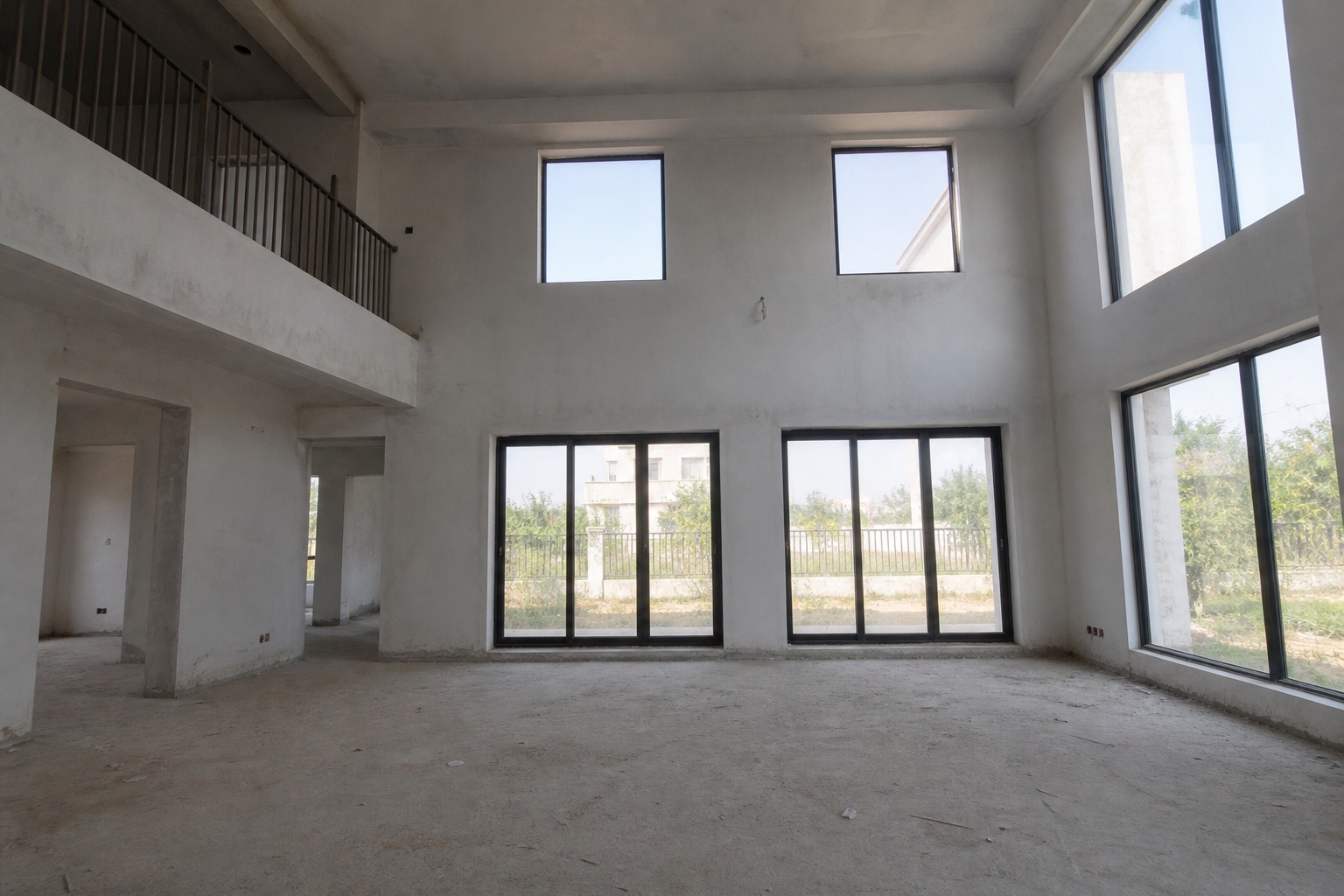
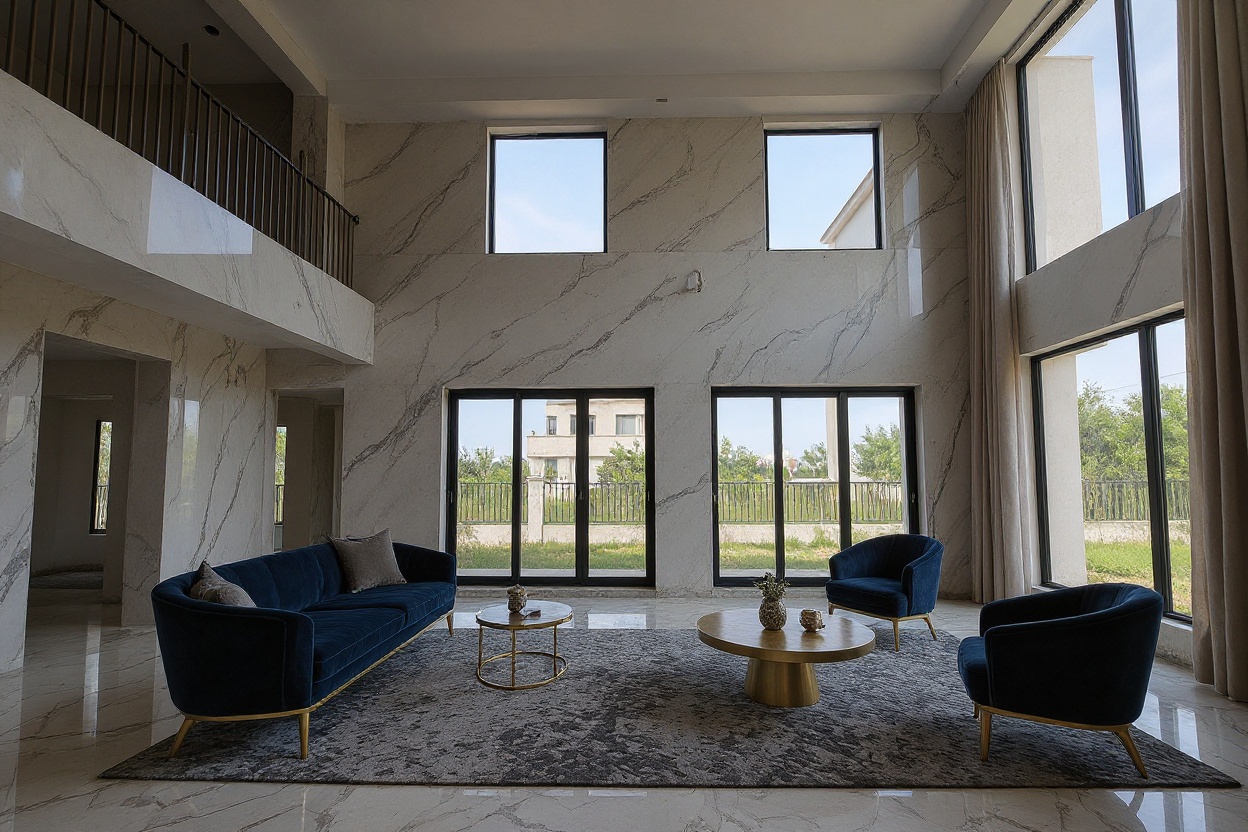
Redesign your exterior from a photo
- Listing-ready HD
- Walls and windows stay put
- Cancel anytime
No photo to hand? This is the kind of shot that works well.
How AI exterior home design works
Photograph the front of the house
Stand back far enough for the whole elevation, roofline included. Flat, overcast light works better than harsh midday sun.
Say what should change
"Charcoal render with timber accents", "warmer brick, darker windows", "tidy up the front garden". Blank is fine — the AI picks a clean contemporary direction.
See the exterior redesigned
About 60 seconds later the same house comes back with new finishes, colour, joinery and landscaping. The building's shape, windows and roofline stay as photographed.
Who uses exterior design AI
Homeowner facing a repaint
A whole-house colour is a ten-year decision made from a 5 cm swatch. Render two colours on your actual elevation and the choice stops being a gamble.
Buyer weighing up a tired house
Peeling paint and a dead lawn hide what the house could be. One render tells you whether the bones are worth the offer.
Agent selling curb appeal
The exterior is the first photo on every portal. A tidied render beside the honest one shows the ceiling of the property without landscaping a thing.
Paint swatches vs. Spacevo
A 5 cm colour chip has to stand in for 120 m² of wall in changing daylight.
Testing a second finish means another weekend and another tin.
Landscaping and joinery have to be imagined separately.
The whole elevation is rendered at once, in the light your photo was taken in.
Rerun in a different direction and compare the two side by side.
Finishes, windows and the front garden all update in the same render.
Exterior design AI FAQ
Can AI design my house exterior?
Yes. Upload a photo of the front elevation and the AI returns the same house with new finishes, colour, joinery and landscaping in about 60 seconds. The building's shape, windows and roofline stay as photographed.
Is the AI exterior home design free?
No — Spacevo has no free tier. Rendering needs an account and either a plan or the $4.90 one-time Room Plan, so you can test it on a single room before subscribing. Every paid render is HD, watermark-free and licensed for commercial use.
Will it add an extension or change the roofline?
No. It works at finish level — render, cladding, paint, joinery, doors and landscaping. Structural changes like extensions and new openings are an architect's job, not a render's.
What kind of photo works best?
A straight-on shot of the whole elevation from across the street, taken in flat or overcast light. Avoid deep shadow across the facade and try to keep parked cars out of the frame.
Can I show the render to a decorator or builder?
Yes, and that is its most useful role — it removes ambiguity from a colour or cladding conversation. It is a visual brief, not a specification: your trade still confirms the products and the prep.
See the new exterior before the scaffolding goes up
Create an account, pick a plan, and render in about 20 seconds.
Redesign my exterior